Software for tissue-culture labs
Production records for tissue-culture labs.
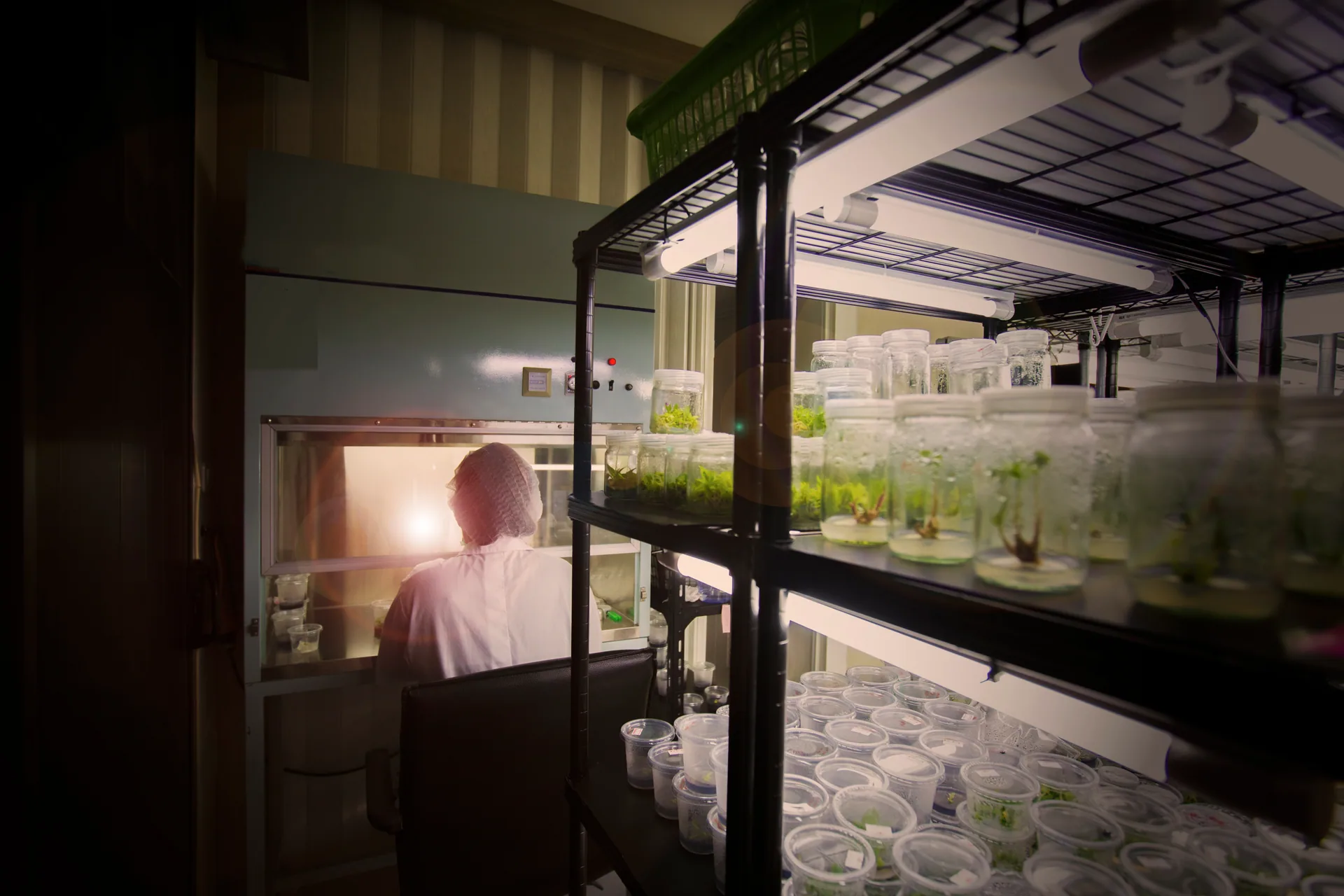
MeristemLab tracks every vessel from the mother plant through each subculture: who did it, when, on which media batch, and where it sits now. Technicians record at the bench from a phone. Managers see what is due. Auditors get the history.
- Cultures, mother plants, media, locations, orders, equipment, stock
- Four plans, prices in Australian dollars
- Built in our own tissue-culture lab, in Australia
- Support by email on Australian business days
- Phone camera reads every label
What the spreadsheet cannot tell you
Most labs run on a workbook and tape labels. It works until someone asks one of these.
- Which media batch were the contaminated jars on, and what else is on it?
- Every culture is linked to the batch it was started or transferred on. A contamination event names the batch, and the batch page lists every vessel that shares it.
- Where did this line come from, and how many passages is it on?
- Lineage runs from the mother plant through every subculture with a passage number, and the tree is one tap from any culture.
- Who did the last transfer on this culture, and when?
- Every subculture records the technician and the time, and every change goes to an audit trail that nobody can edit.
- What is due today, and what is overdue?
- Stage durations set the next subculture date, and the queue lists what is due and what has slipped.
- Is this jar the one the label says it is?
- Every vessel carries a unique code from your numbering format, printed as a QR label and read with the phone camera.
- Can we show an auditor the history of a batch?
- Cultures, mother plants, contamination events and orders keep their history with who changed what and when, and everything exports.
What it covers
The records a production lab keeps, in one system a technician can use at the bench.
Set up once to match your lab
No two labs use the same words or the same stages. MeristemLab is set up by the lab, and every screen follows.
- Terminology
- Call them stock plants, explants or plantlets; the navigation, headings and messages change with you.
- Stages
- Your own stages, in your order, each with a colour and a typical duration that sets the next subculture date.
- Codes
- Your numbering format for cultures, mother plants, batches, orders and locations, assigned on save.
- Fields
- Your own fields on cultures, mother plants, media and the other main records.
- Units and dates
- Your date format and time zone, your units for temperature and volume.
Who it is for
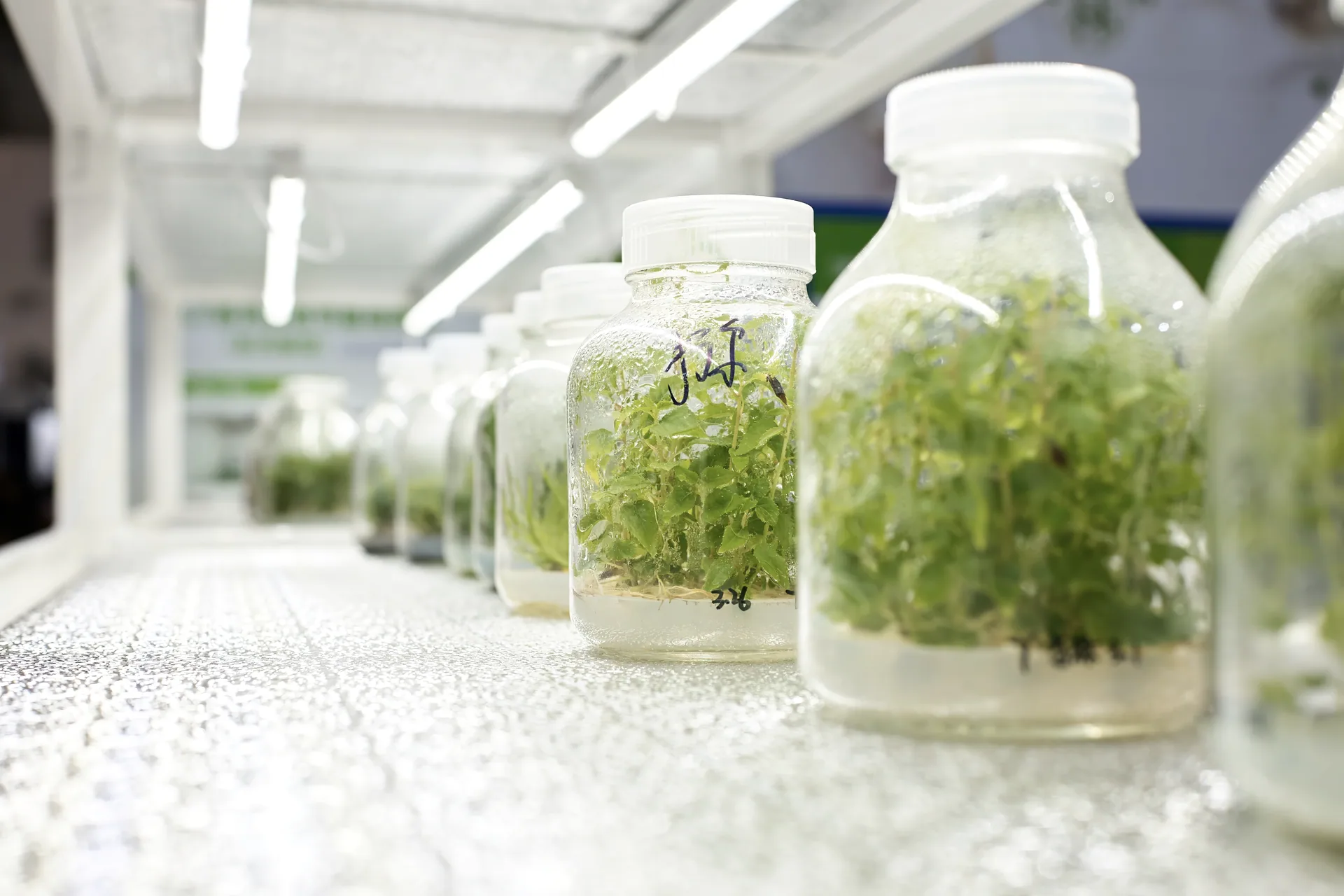
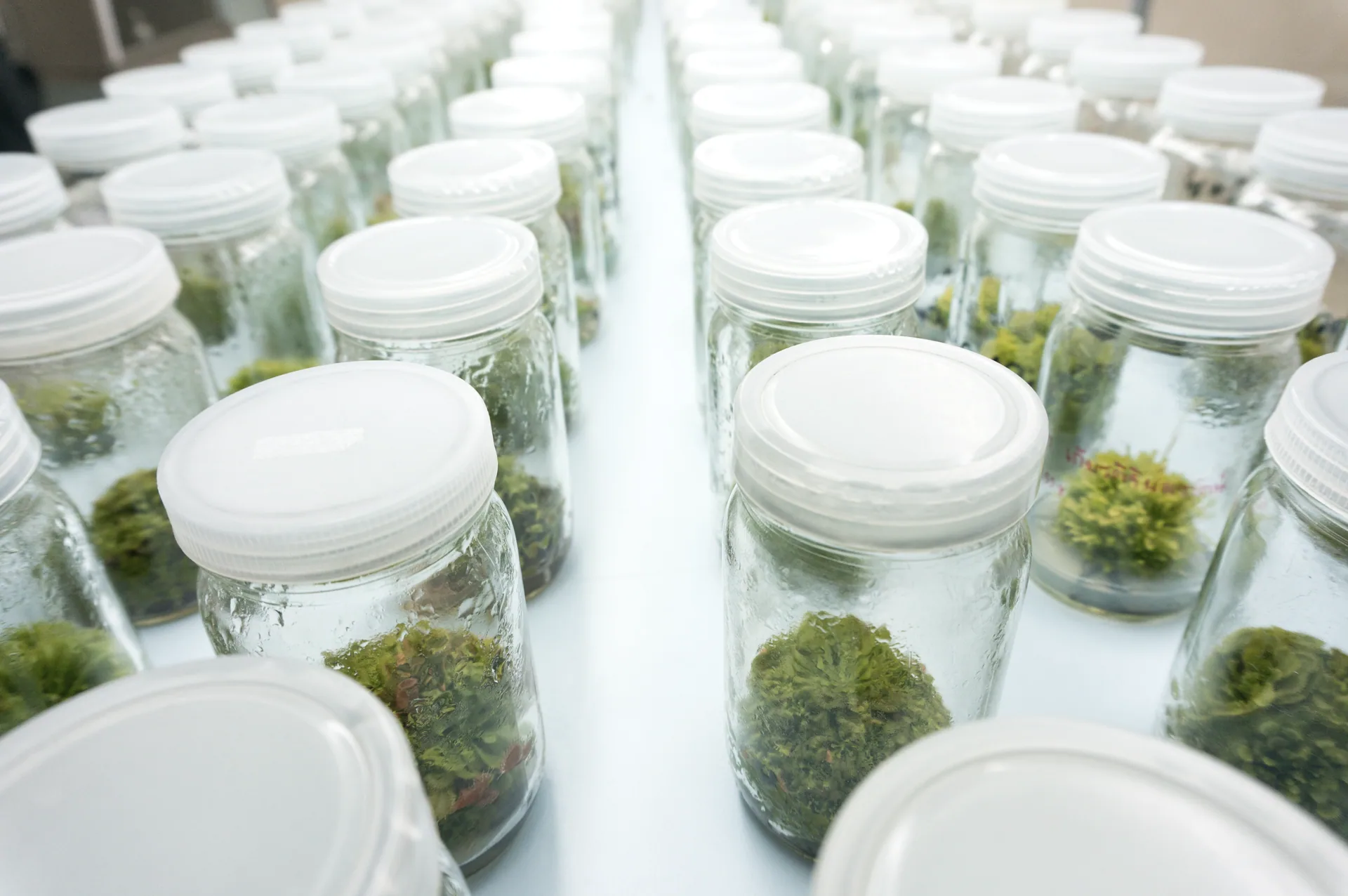
Nursery and propagation labs, clonal forestry programs, berry, banana and potato multiplication, and the in-house labs of larger growers. Research and teaching labs use the same records for a smaller team.
Plans start free for one person. See pricing.
Moving from spreadsheets
About a day for a small lab, and we do it with you.
- 1
Send us the spreadsheet. We load your mother plants, cultures, recipes and locations.
- 2
Set your terminology, stages and codes. About an hour, on your own or with our notes by email.
- 3
Print labels for what is on the shelf. Every vessel gets its code, and a phone reads it from then on.
- 4
Run the first week alongside the old sheet, then retire it.
MeristemLab is also a laboratory
The software was built inside our own plant tissue-culture laboratory, now in Geelong, which takes on culture initiation, protocol development and small production runs. We are also building Canberra Plant Technology Diagnostics, a range of rapid plant-pathogen tests and biosecurity supplies (in development: seeking manufacturing partners). One thing we plan to add, although it is not built yet, is a test result logged against a batch or a mother plant, so that it sits in the same lineage as everything else.
How we got hereGuides for lab managers
All guidesAustralian Plants · 22 March 2026
Tissue culture of Australian native plants: Eucalyptus, Banksia and beyond
Contamination · 20 March 2026
Contamination management in warm-climate tissue culture labs
Industry · 18 March 2026
The Australian tissue culture industry: opportunities and growth areas
See it with your own records
Send us a sample of your culture list and we will load it into a lab for you, then email you a link so you see your own records and not a demo.